The manual
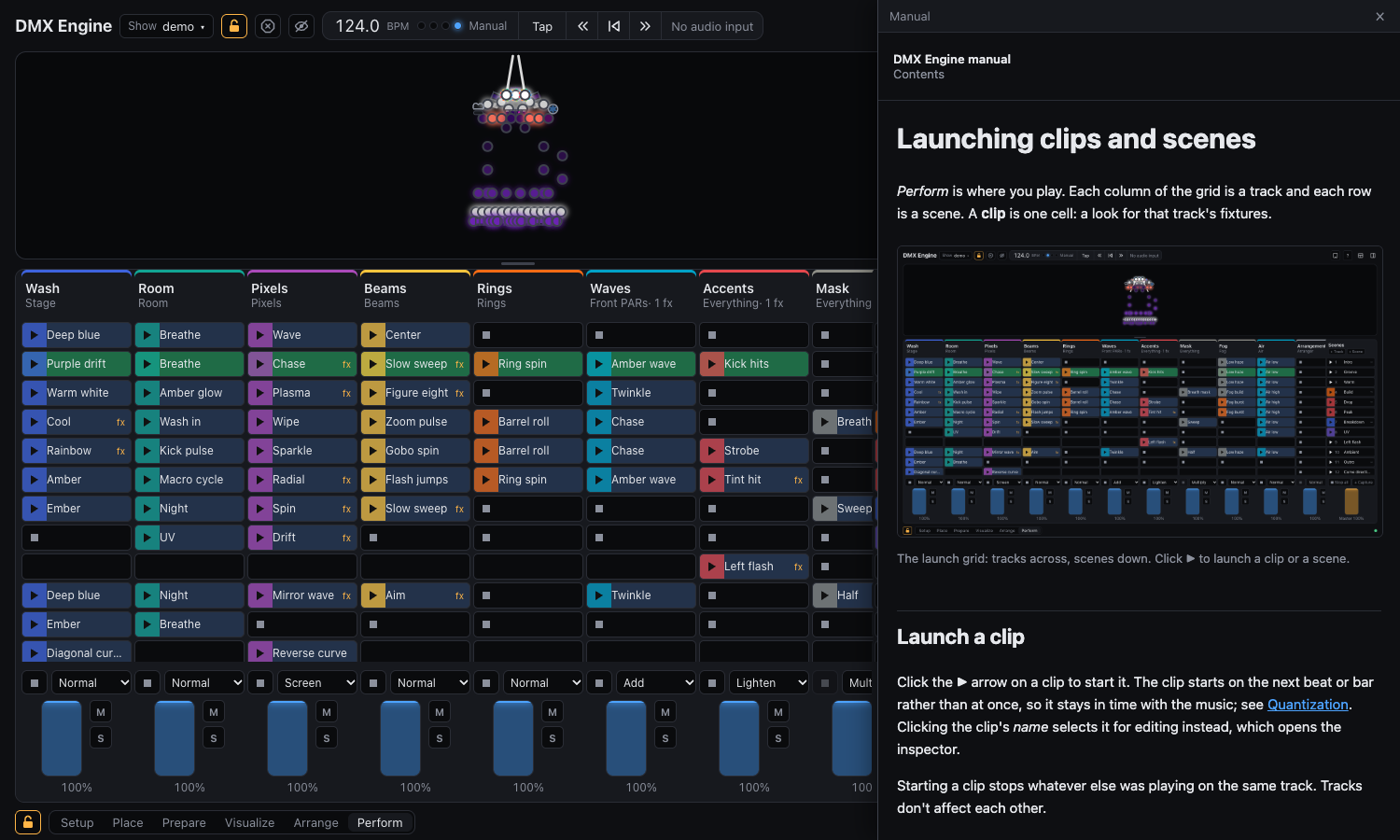
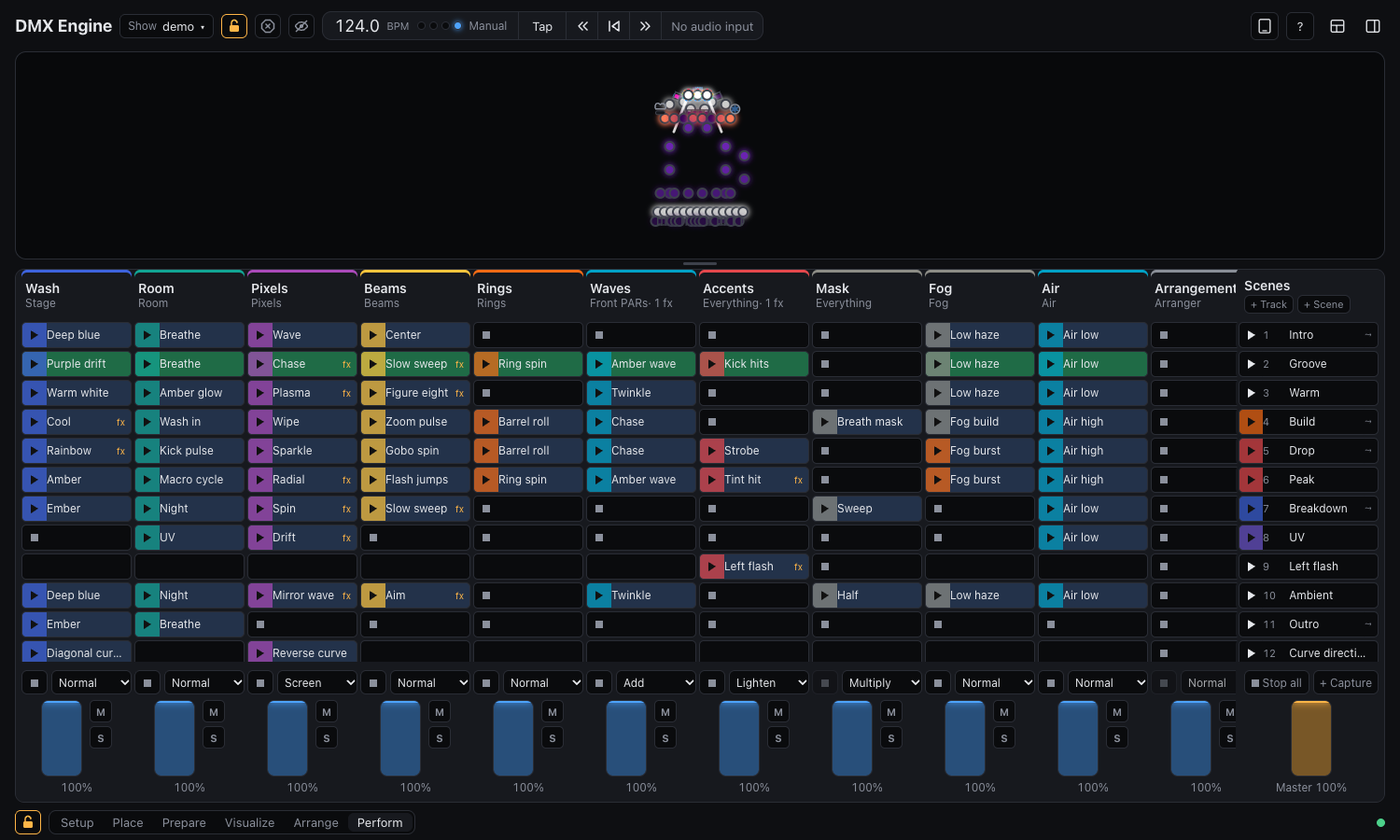
DMX Engine is a lighting controller for music. You lay out your lights, give each group of them a track, fill the tracks with clips, and launch the clips in scenes while the music plays, much as you would in Ableton Live. The tracks stack on top of each other with blend modes, the way layers do in Photoshop.
Your show is saved as you work, and nothing leaves your computer except the DMX that goes to your lights.
In five steps
- Patch your fixtures. In the Setup layout, add them from the library and give each one its universe and channel. See Patching fixtures.
- Place them. Drag the fixtures onto the layout where they hang in the room, and select them into groups. See Layout and groups.
- Make tracks and clips. Each track drives one group; each clip says what that group does. See Tracks and Clips and lanes.
- Play. In Perform, launch clips and scenes on the beat. See Launching clips and scenes.
- Send it out. Point each universe at your sACN or Art-Net node. See Sending DMX.
Short on time? Your first show does all five with the demo show.
Where to find what
- New to the app: Installing, then Your first show.
- Playing a gig: Launching clips and scenes, Tempo and audio, Faders, mute and solo and Touch remote.
- Setting up a rig: Patching fixtures, Layout and groups, Sending DMX.
- Making looks: Clips and lanes, Blend modes, Effects, Moving with the music.
- Looking something up: Formula reference, Shortcuts, OSC.
- Something is wrong: Troubleshooting.
Help inside the app
The same pages are built into the app. Press F1, or click the ? in the header, to open the page for what is on screen. The small ? next to a panel opens the section about that panel.